
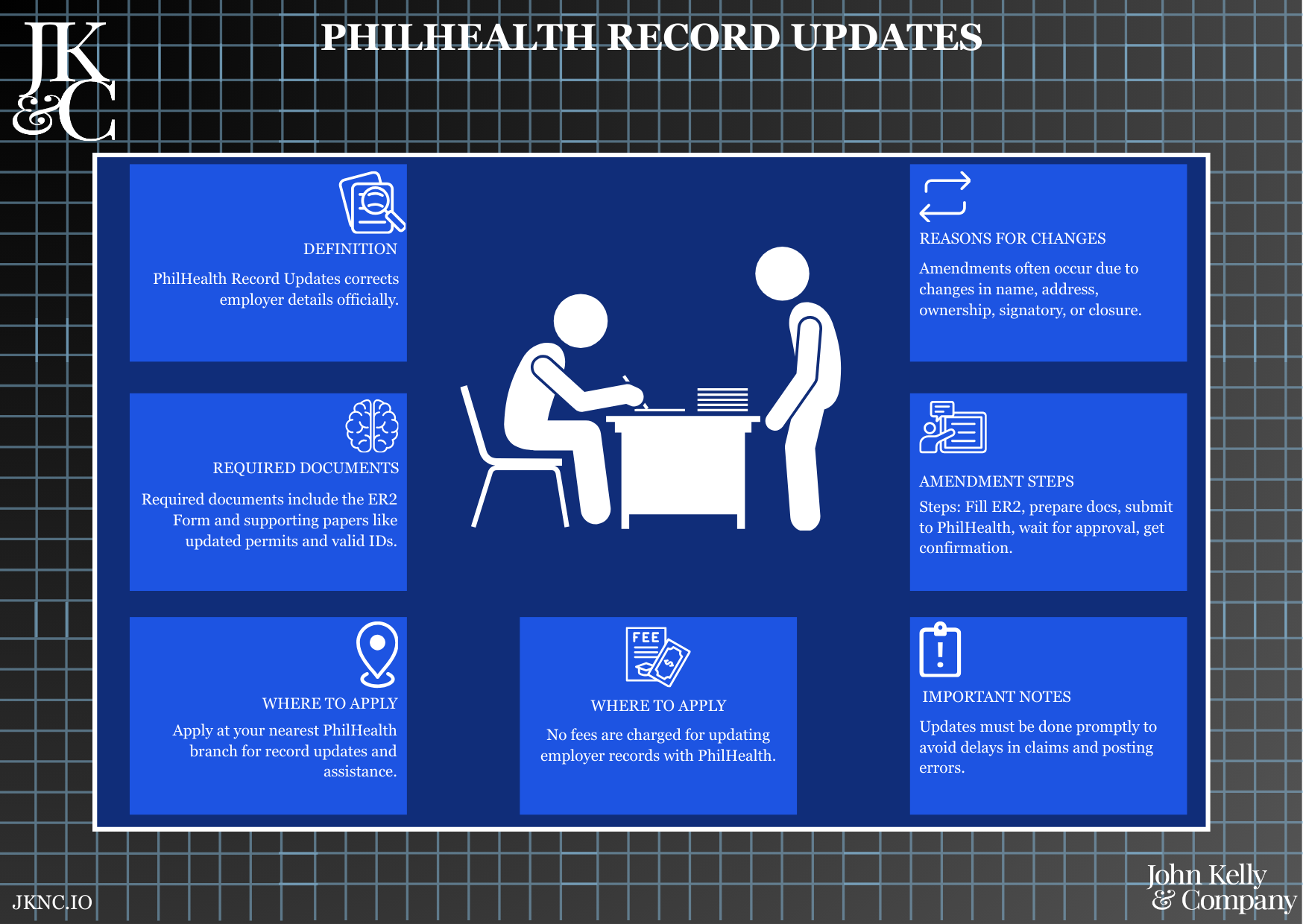
PhilHealth Record Updates
Update Your Business Profile with PhilHealth (Name, Address, Ownership, Status)
This service updates your company’s PhilHealth employer profile to reflect recent changes—such as changes in business name, ownership, address, or employer status (e.g., reactivation or suspension). JKNC ensures proper form preparation, submission, and branch coordination for seamless record updating.
Who Is This For?
Businesses that already have a PhilHealth Employer Number and have recently changed official details with DTI, SEC, BIR, or LGU.
How Long Does It Take?
3–7 business days, depending on branch volume and document readiness.
What If I Don’t Have All My Information Yet?
JKNC will help you retrieve old registration files, assist with board resolutions, and guide reactivation or update steps.
Will JKNC Do the Filing/Execution?
Yes. JKNC handles all compliance processing, unless advisory-only is selected.
Will It Be Accepted by Government Agencies and Bodies?
Yes. This update will be reflected in PhilHealth’s employer system and is legally valid.
Can Foreign Entities Use This?
Yes, as long as the entity is legally registered in the Philippines and has an existing PhilHealth Employer Number.
Is This Confidential and Protected?
Yes. All corporate and employee-related data are handled with strict confidentiality under the Data Privacy Act.
How Does This Connect with Other JKNC Products?
BIR, SSS, and Pag-IBIG Updates
Board Resolution Drafting
Compliance File Consolidation
Retainers for Quarterly Government Filing
What Comes Next After This Deliverable?
Align records across all government agencies
Resume or adjust contribution remittances as needed
Archive changes for audit trail
Optional: Add to JKNC Compliance Monitoring Retainer for automatic alerts and updates
A full coordination and filing service to legally reflect structural or operational changes in your business as recorded in the PhilHealth database.
Maintains compliance across all labor and employer documentation
Avoids processing delays or penalties due to outdated records
Ensures proper benefit processing and remittance linkage for employees
Enables audit clearance, certifications, and employer verifications
Notify JKNC of what has changed (e.g., new address, change in name)
Submit required business documents and valid ID
JKNC prepares and files amendment with PhilHealth
Receive updated acknowledgment or confirmation
Review existing employer record and confirm changes
Prepare PhilHealth Employer Data Amendment Form (ER2)
Draft supporting board resolutions or certifications (if needed)
Coordinate submission with the appropriate PhilHealth branch
Monitor for processing and update status
Deliver stamped copy and confirmation of update
Current PhilHealth Employer Number
Original and updated SEC/DTI Certificates or BIR COR
Valid ID of owner or authorized representative
Mayor’s Permit or Barangay Clearance (if address-related)
Board Resolution or Secretary’s Certificate (for corporations)
Business name changes
Company address relocation
Ownership or authorized signatory updates
Suspension or reactivation of employer account
Contact detail amendments
Stamped ER2 Form + Confirmation of Changes (PDF and/or hard copy)
Optional online consultation if multiple government updates are being processed simultaneously