
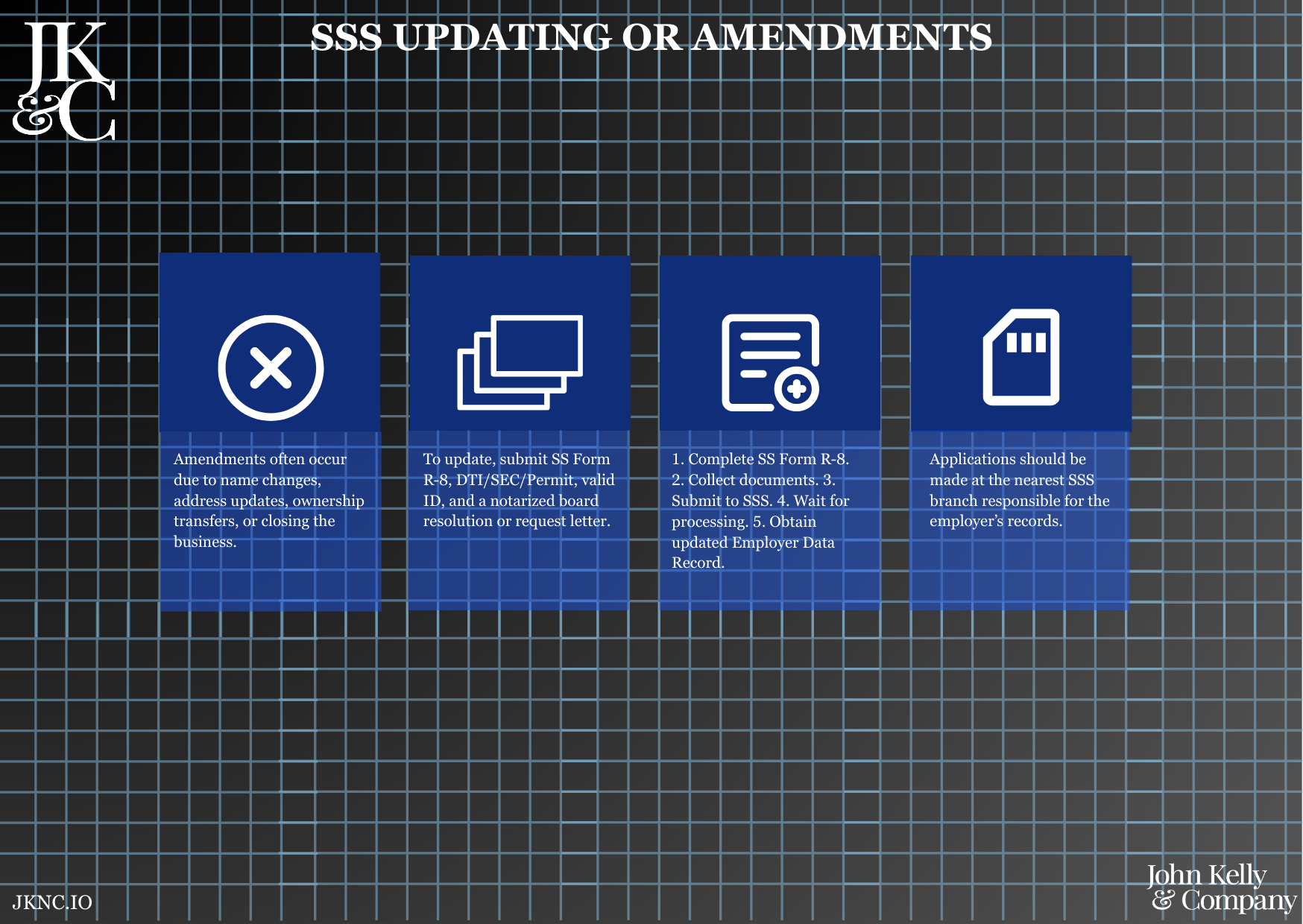
SSS Updating or Amendments
Update Your SSS Employer Records (Business Name, Address, Ownership, or Status)
This service updates your official Social Security System (SSS) employer records to reflect changes in your business information—such as business name, company address, employer type, ownership structure, or cessation/reactivation of operations.
Who Is This For?
Existing employers with an SSS number that have undergone changes in business structure, ownership, address, or legal status. Also used for reactivation after temporary closure.
How Long Does It Take?
3–7 business days, depending on SSS workload and completeness of documents.
What If I Don’t Have All My Information Yet?
JKNC will help retrieve old records, request certified true copies, and draft resolutions if not yet available.
Will JKNC Do the Filing/Execution?
Yes. We handle all documentation, coordination, and branch follow-ups—unless advisory-only is requested.
Will It Be Accepted by Government Agencies and Bodies?
Yes. Updates are officially reflected in your SSS employer file and accepted for compliance, audit, and remittance purposes.
Can Foreign Entities Use This?
Yes, if already registered with SSS. JKNC will assist in foreign-representative updates or office relocations.
Is This Confidential and Protected?
Yes. All employer and employee records, ownership data, and identification are managed securely and confidentially.
How Does This Connect with Other JKNC Products?
SEC and BIR Amendments (if source of change)
Pag-IBIG and PhilHealth Record Updates
Employee Record Realignment
Compliance Monitoring Retainer Services
What Comes Next After This Deliverable?
Notify PhilHealth, Pag-IBIG, and BIR for corresponding changes
Update payroll system and HR documents
Continue with remittances using updated employer profile
Optional: Enroll in JKNC's Compliance Tracker to prevent future delays
A legally compliant amendment filing process with SSS, covering the preparation, notarization (if applicable), and filing of required documents to update your employer profile in the SSS system.
Ensures alignment between your legal documents and government records
Prevents compliance issues or audit findings due to outdated employer information
Enables uninterrupted access to SSS employer services and portals
Protects your business from penalties or remittance discrepancies
Notify JKNC of the specific change (e.g., address, business name)
Submit supporting documents and identification
JKNC processes and files the amendment with SSS
Receive confirmation of the update with revised records
Review current SSS employer registration and identify amendment scope
Draft and complete appropriate SSS amendment forms (R8, Employer Data Change Form)
Prepare supporting documents (e.g., new DTI/SEC certificate, BIR COR, Mayor’s Permit)
File and coordinate at the assigned SSS Branch
Monitor approval and confirm changes
Deliver confirmation or updated employer profile to client
SSS Employer Number
Existing SSS Certificate or R1 registration copy
Supporting document showing the change (e.g., new lease contract, SEC amendment)
Valid ID of business owner or authorized signatory
Board Resolution (if corporation)
Barangay or Mayor’s Permit (for address changes)
Business name update
Business address change
Change in ownership or legal representative
Reactivation or cessation of business status
Updating employer contact details or TIN
Stamped copy of SSS amendment forms + email confirmation or printed acknowledgment (PDF and hard copy)
Optional briefing call if there are multiple changes or if business is reactivating
Standard filing-based engagement unless session requested